
The exact system I use to create, launch, and sell digital products on repeat

How to Use Pinterest for Business in 2026 — My Top Pinterest Tips for Traffic & Growth
If you’ve been wondering whether Pinterest really works for business in 2026, let me reassure you — it absolutely does.
Pinterest is still one of the most powerful (and underrated) platforms for driving free, targeted traffic to your website, your offers, your content, your digital products, and yes… even your services.
In fact, Pinterest has been one of the biggest drivers of traffic in my own business. I’ve had pins send visitors to my blog for months — even years — after publishing.
No dancing.
No daily posting.
No trending audios.
Just strategy.
And here’s the part most people don’t know:
Over 80% of Pinterest users are buyers.
They come to Pinterest ready to learn, plan, save, and shop.
Compared to Instagram and Facebook (where people are there to socialize), Pinterest users are actively searching for solutions — which means they are far more likely to click, subscribe, and buy.
This is why Pinterest works so well for:
✨ digital product sellers
✨ coaches
✨ service providers
✨ educators
✨ bloggers
✨ creators
✨ small businesses
And the best part?
You can drive thousands of visitors to your site without paying for ads.
Let’s break down exactly how to use Pinterest for business so you can increase your traffic, grow your visibility, and set your content up for long-term success.

1. Why You Should Be Using Pinterest for Business
Reason 1: Pinterest users are intentional buyers
People on Pinterest aren’t scrolling aimlessly — they’re planning purchases, researching ideas, and looking for solutions.
If you have content, products, or services that solve a problem? Pinterest is where people are actively searching for them.
Reason 2: You don’t need to spend hours on the platform
One of the reasons I love Pinterest is that it doesn’t require you to “show up” every day.
Once you create your pins, Pinterest keeps circulating them for months.
Pinterest rewards consistency — not time.
As a busy mom, business owner, and content creator, this has been a game changer.
Reason 3: Pinterest is free traffic (and highly qualified traffic)
Yes, Pinterest does have ads…
But unlike Instagram or Facebook, you don’t need a big ad budget to get visibility.
Organic Pinterest traffic can be more powerful than paid ads on other platforms — and far more cost-effective.
Everything you need to create, launch, and sell digital products — in one simple system.
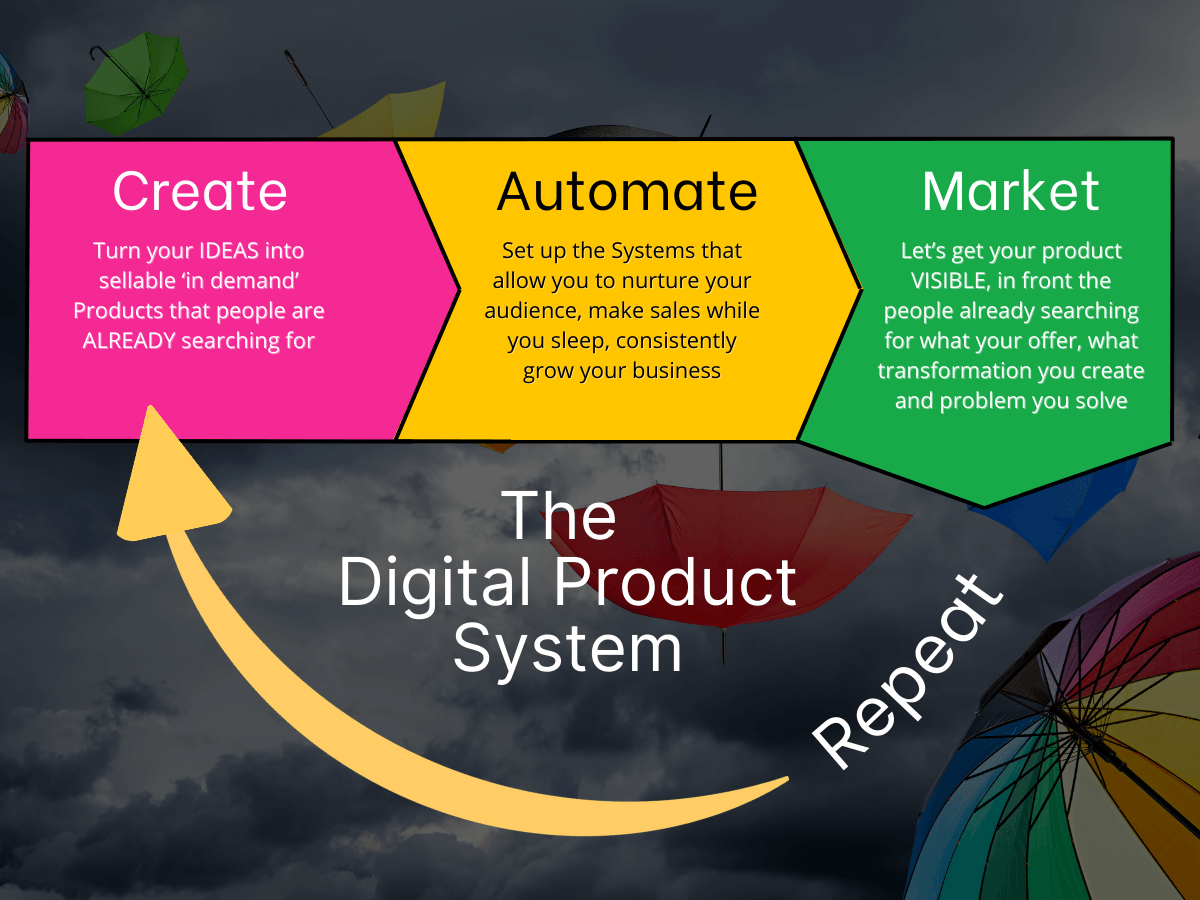
Stop guessing . . .
Start building with a system.
Turn your expertise into scalable income,
from IDEA to SELLABLE PRODUCT
2. How to Set Up Your Pinterest Business Account (Properly)
This step is simple, but it matters. Pinterest needs to know you’re a business so it can give you access to analytics, rich pins, and SEO features.
You have two options:
Option 1: Convert an existing personal account into a business account
If you already have a personal Pinterest account you’d like to use for marketing, you can convert it into a business account in a few clicks.
Option 2: Create a brand new business account
This is the option I recommend if you want to keep your personal pins separate from your business strategy.
3. Complete Your Pinterest Profile the Right Way
Pinterest is a visual search engine — NOT social media — so your profile should include keywords that tell Pinterest exactly what your business is about.
Here’s what to update:
✔ Profile photo:
A clear, friendly headshot.
✔ Username:
Use your name or brand name + a keyword
Example:
Clare | Pinterest Marketing Tips
Clare | Digital Products + Traffic Growth
✔ Bio:
Explain who you help and what you offer using keywords.
Example:
“I help creators and small business owners grow their traffic and sales using Pinterest, digital products, and simple marketing strategies.”
✔ Website:
Add your main website and claim it.
This boosts your authority on the platform.
✔ Location:
Optional but helpful.
Your Pinterest profile works like an SEO signal — the more clarity and keywords you use, the easier it is for Pinterest to categorise your content correctly.
4. Claim & Verify Your Website
This step tells Pinterest that you own the content you’re linking to.
Once your website is verified, you unlock rich pins (enhanced metadata), analytics, and better distribution.
Pinterest shows you step-by-step instructions to verify your site using a code snippet — and it’s easier than it sounds.
5. Create Strategic Pinterest Boards
Boards help Pinterest understand your niche.
Think of them as SEO categories for your content.
You’ll want boards that relate directly to:
✨ your niche
✨ your offers
✨ your content topics
✨ your audience’s interests
Examples:
Pinterest Marketing Tips
Digital Products for Beginners
Business Growth Strategies
Canva Templates
Passive Income Ideas
Small Business Tips
Be sure to:
✔ Add keyword-rich board titles
✔ Write keyword-focused board descriptions
✔ Pin content relevant to each board
This helps Pinterest show your pins to the right people.
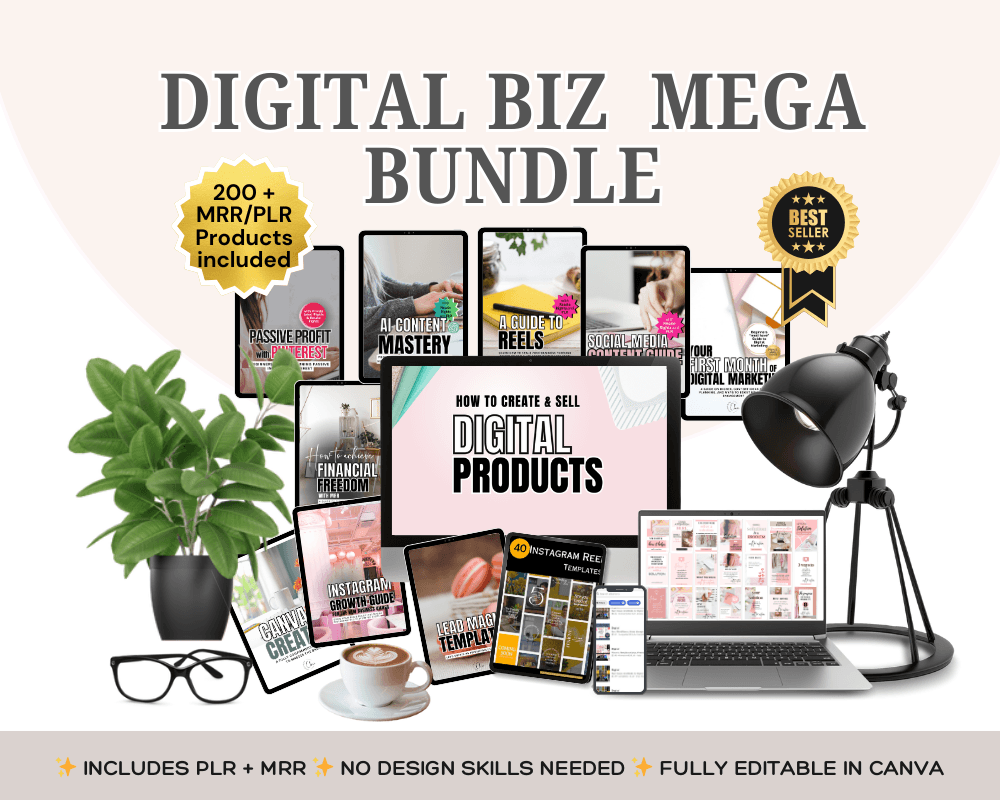
💡 Ready to start selling digital products without creating them from scratch?
Grab my Digital Product Business Bundle with PLR & MRR This PLR Mega Bundle is your shortcut to launching (or scaling) a profitable digital product business FAST!
6. Create Scroll-Stopping Pins
Your pins need to stand out and clearly communicate VALUE.
Here’s what every great pin includes:
✔ Vertical sizing (2:3 ratio — e.g., 1000 × 1500 px)
✔ Clear, bold text (easy to read at a glance)
✔ High-quality images or graphics
✔ A compelling headline
People will eventually recognise your pins without even seeing your name — that’s how we build recognition, value and brand trust.
Your Pinterest pins are billboards for your content.
Make them scroll-stopping.
7. Schedule Pins for Simple, Consistent Growth
Pinterest rewards consistency — NOT volume.
You don’t need:
❌ 30 pins a day
❌ constant posting
❌ a full-time Pinterest schedule
You DO need:
✔ 1–2 fresh pins per day
✔ consistency
✔ a weekly scheduling system
Pinterest’s native scheduler makes this easy.
And yes — you CAN schedule static pins and video pins directly inside Pinterest.
Consistency is what builds long-term traffic.
8. Know Your Target Audience (Your Pinterest Success Depends on It)
Pinterest works best when you know:
who you’re creating content for
what they’re searching for
what problems they need solved
what they’re planning to buy
If you don’t know your audience, Pinterest doesn’t either — and your content won’t land where it needs to.
Ask yourself:
What is my audience struggling with?
What do they want to learn?
What solutions do I offer?
What are they searching for on Pinterest?
This will shape your pin copy, pin design, keywords, and content strategy.
9. Keep an Eye on Your Analytics
This does NOT need to be complicated, I promise.
Pinterest analytics show:
✨ which pins get the most clicks
✨ which topics perform best
✨ what people are searching for
✨ what your audience saves
Use this information to create more of what works — and less of what doesn’t.
Your blog analytics are also important because they show which pins are actually bringing in traffic.
Data = direction.
Final Thoughts: Why Pinterest Is a Must for Small Business Owners in 2026
Pinterest is hands-down one of the most effective ways to drive:
✨ traffic
✨ leads
✨ visibility
✨ sales
…without the pressure of posting daily or battling social media algorithms.
It’s searchable.
It’s evergreen.
It’s sustainable.
And when you learn how to use Pinterest strategically, it becomes a long-term engine for your business growth — not a temporary trend.
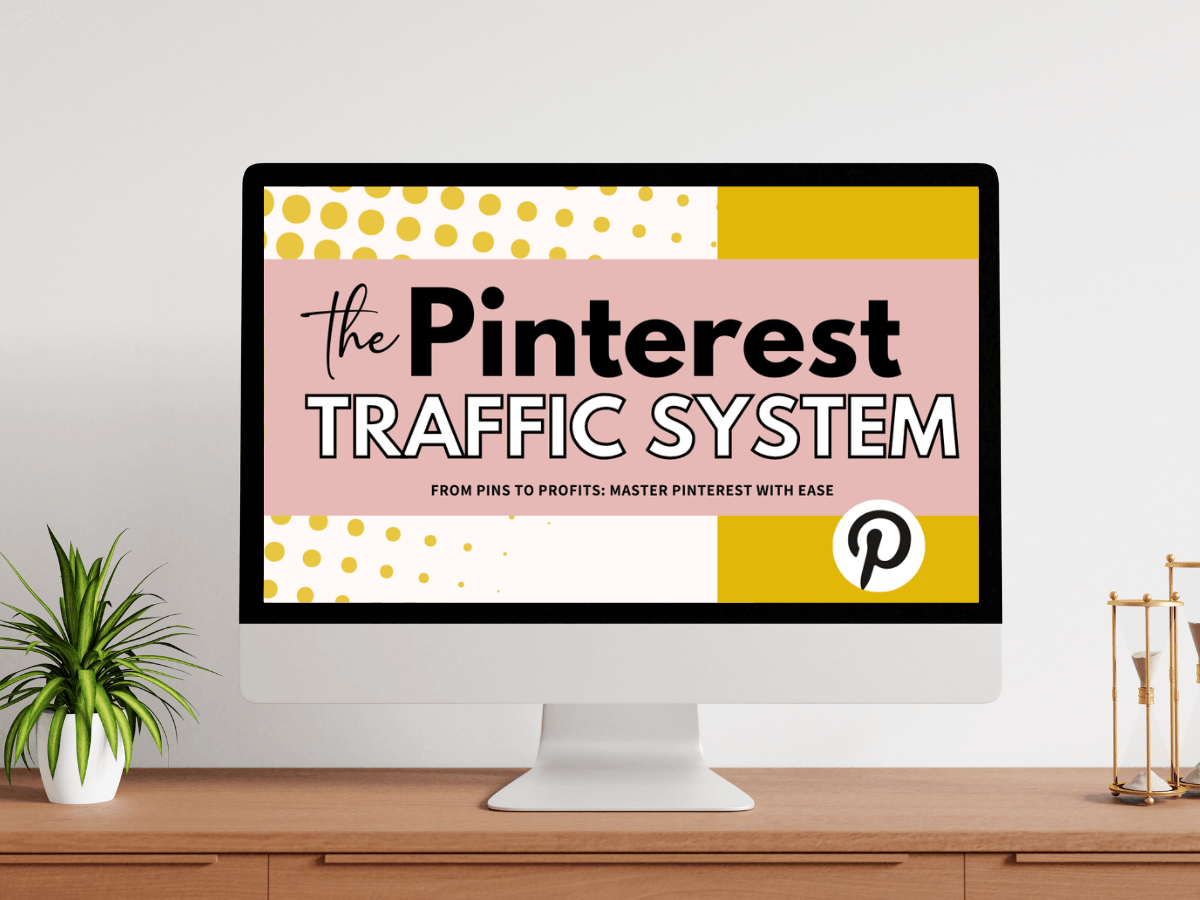
If you want the complete Pinterest system — including pin templates, SEO workflows, content strategies, and the step-by-step blueprint I use for myself and my clients — you can dive in inside my signature program:
👉 The Pinterest Traffic System
This is where I give you the full roadmap to turn Pinterest into your best-performing traffic source.
Look forward to seeing you in there!
Turn Pinterest into an evergreen traffic engine
STOP chasing algorithms and start building a traffic source that works for you long-term, this training will show you exactly how.

HEY, I’M CLARE . .
I help entrepreneurs, creators, and small business owners turn their ideas into profitable digital products and use Pinterest marketing to grow passive income streams.
My goal is to help you create a digital business that is simple, creative, and sustainable—so you can spend less time stressing and more time enjoying the freedom your business gives you.



Grab my Pinterest Growth Toolkit

Check out my Best Seller Product?

I have sold this simple Digital Product 100's of times over, on mulitple platforms! This is a true example of the power of Digital Products - are you ready to get started?
Newsletter
Subscribe now and get weekly tips and resources

© 2025 SucceedwithClare | All Rights Reserved | Terms • Privacy • Disclaimer